
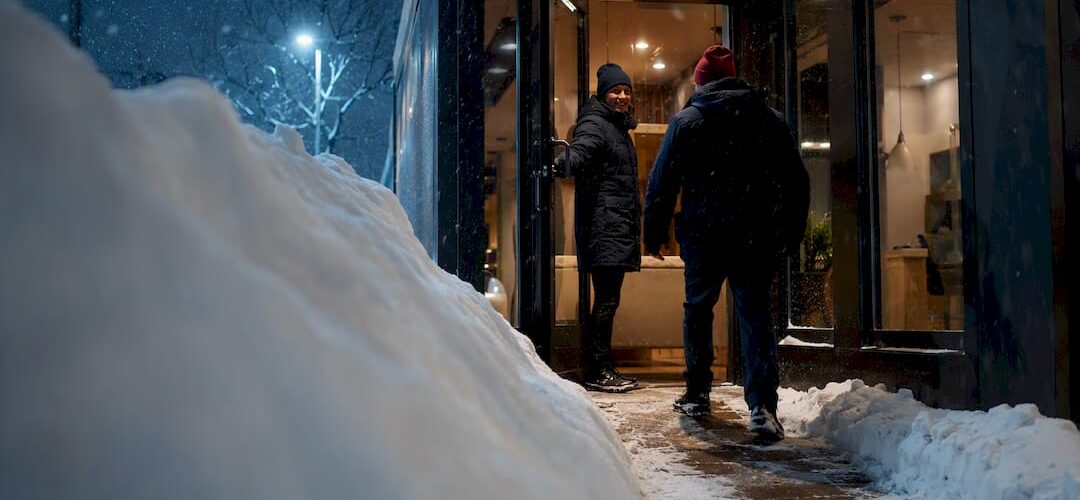
Yes, most businesses can stay open safely during a snowstorm if three conditions hold: clear, safe access for customers and staff; a communications plan that reaches everyone before the roads do; and backup power or a mobile hotspot to keep the lights and payment systems running. Miss any one of those, and even a well-meaning “we’re open” post can turn into a liability problem by mid-morning. This guide walks through the checklist, the policy decisions, and the vendor relationships that separate businesses that ride out a storm from ones that scramble.
TL;DR:
- Having clear response triggers, priority zones, and response times from snow-removal vendors prevents unpredictable delays and ensures safe access during storms.
- Stocking a disaster supply kit, testing backup power monthly, and securing mobile hotspots keep essential systems operational even during power outages or internet failures.
- Establishing a written inclement-weather policy with specific closure triggers and essential staff roles reduces confusion and legal risks during storm-induced closures.
- Documenting storm damage with photos and timestamps before cleanup supports insurance claims and accelerates recovery efforts.
- Choosing a snow removal partner with documented response windows and 24/7 availability ensures reliable, predictable service that minimizes operational disruptions.
Table of Contents
- Your 24 to 72 Hour Snowstorm Checklist
- What to Prioritize While the Storm Is Active
- Seasonal Planning That Prevents Forced Closures
- Setting Clear Inclement-Weather Policies for Staff
- Insurance and Cash Flow During a Storm
- Getting Back to Normal After the Storm Passes
- Why a 24/7 Snow Partner Changes the Equation
- A Publisher’s Note on Preparation
- Get a Snow Removal Plan Built for Denver Winters
- Where to Go for Official Guidance
- Sources
- FAQ
Your 24 to 72 Hour Snowstorm Checklist
Once a winter storm watch goes up, the clock starts ticking. Waiting until the flakes start flying is how you end up with a blocked loading dock and a dead card reader, which leads to costly delays. Work through this list in order, and assign a name to each task, not just a department.
- Clear and treat every customer-facing entry point first, then move to secondary doors and loading areas.
- Spread salt or sand at entrances and mark icy patches with cones or signage.
- Confirm your point-of-sale system and receipt printer have battery backup (a small UPS unit is enough for most retail setups).
- Assign one person to monitor the parking lot and one to post customer updates.
- Draft a short “we’re open, here’s what to expect” message for your website and social channels before the storm hits.
Your update doesn’t need to be long. Something like “We’re open today with limited parking. Sidewalks are treated, but please walk carefully near the north entrance” tells customers exactly what they’re walking into.
Pro Tip: Save two or three message templates in your phone notes now, so you’re editing a sentence during the storm instead of writing one from scratch while the power flickers.
What to Prioritize While the Storm Is Active
Once the snow is falling, your job shifts from preparation to triage. Slip-and-fall incidents spike during active storms, so keeping entryways dry and marking wet floors matters as much as the parking lot itself. If you have the space, set up a small warming area near the entrance for employees who have to step outside repeatedly.
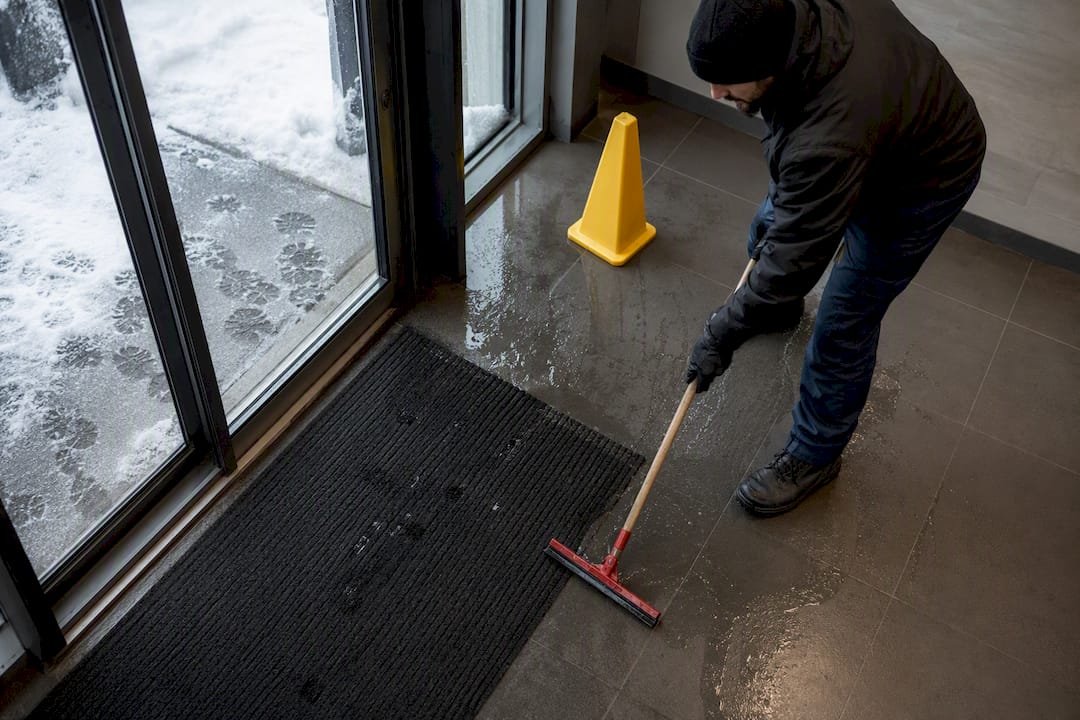
Not every business needs to stay fully open in the traditional sense. Retail and food-service operations facing widespread multi-day power outages during a major winter storm often do better shifting to curbside pickup or delivery-only service rather than forcing full walk-in operations. That decision should be made early, not after someone has already slipped in your vestibule.
A few things to keep moving throughout the day:
- Check the parking lot every hour if your snow contractor is plowing on a rolling schedule, so customers know when spaces will be clear.
- Post updates at set intervals, not randomly, so staff and customers know when to check back.
- Keep a written log of who checked entryways and when, in case an incident happens later.
- Reassess hourly whether curbside-only makes more sense than full walk-in access.
Retailers who plan for storms tend to treat UPS battery backups for point-of-sale systems paired with mobile hotspots as more practical than running a full generator for every contingency. That combination keeps transactions running without the cost and complexity of whole-building backup power.
Seasonal Planning That Prevents Forced Closures
The businesses that stay open through January blizzards did most of the real work in October. Seasonal prep isn’t glamorous, but it’s the difference between a two-hour delay and a lost day of revenue.
Start with your snow-removal contract. A vague promise of “bare pavement” or “zero tolerance” is unrealistic and tends to invite disputes rather than prevent them. Instead, ask your vendor to spell out specific triggers: service begins automatically once accumulation hits two inches, priority zones (entrances, loading docks, accessible parking) get cleared first, and pricing follows a base rate plus a per-inch fee. If you don’t already have this arrangement, reviewing commercial snow removal options before the season starts is worth an afternoon.
Beyond the contract, the SBA recommends stocking a disaster supply kit well ahead of the first warning, since salt, sand, shovels, and portable heaters often sell out within hours once a storm warning posts. Other items worth locking down before November:
- A tested backup power option (generator, UPS, or both) with a written safe-operation procedure.
- Insulation or heat tape on exposed pipes in unheated storage areas.
- A mobile hotspot as IT failover if your internet connection depends on above-ground lines.
Pro Tip: Test your backup power monthly, not just once a year. A generator that hasn’t started since last February is a bad surprise to discover during an actual outage.
Setting Clear Inclement-Weather Policies for Staff
Your employees need to know the rules before the snow starts, not while they’re deciding whether to risk the drive. A workable policy spells out closure triggers (a specific accumulation level, a state travel advisory, a governor’s declaration), which roles count as essential staff, and whether remote work is an option for non-essential roles.
Pay questions get complicated fast, and this is where guessing gets expensive. Wage and hour rules under the FLSA affect what you owe salaried versus hourly staff during closures, so loop in HR or employment counsel before the season starts, not after a dispute.
Build the policy around these pieces:
- A written closure trigger tied to a measurable condition, not a manager’s gut feeling.
- A defined list of essential roles and who fills them if the primary person can’t get in.
- A remote-work option for roles that don’t require physical presence.
- A record of every closure decision, including the time it was made and who made it.
Insurance and Cash Flow During a Storm
Business interruption coverage is the policy most owners forget to actually read until they need it. IBHS recommends reviewing property and business-interruption coverage before storm season, specifically checking whether your policy covers lost income from a forced closure, not just physical property damage.
If a claim becomes necessary, documentation makes or breaks it. Photograph damage immediately, timestamp everything, and pull third-party weather data to corroborate your account of conditions.
A few moves that protect cash flow in the days after a storm:
- Invoice outstanding accounts immediately rather than waiting for your normal billing cycle.
- Check your emergency line of credit before you need it, not during the crisis.
- Plan payroll timing around potential bank or processing delays.
- Contact your insurer early if a federal disaster declaration is issued, since SBA disaster assistance may open additional recovery options.
Getting Back to Normal After the Storm Passes
Reopening safely takes a sharper eye than most owners expect, because the damage that matters most isn’t always visible from the sidewalk.
- Walk the property and check the roof, HVAC units, plumbing, sidewalks, and parking lot for storm damage before letting anyone inside.
- Photograph and timestamp every issue you find, even minor ones, before cleanup starts.
- Reopen in stages: safety-critical repairs first, cosmetic issues later.
- Send a short customer update confirming you’re back open and noting any temporary changes.
- Review what worked and what didn’t, and adjust your snow-vendor SLA or supply kit accordingly.
A commercial HVAC maintenance checklist is worth keeping on hand for this exact moment, since frozen or overworked heating systems are one of the most common post-storm failures owners miss until a pipe bursts.
Why a 24/7 Snow Partner Changes the Equation
A commercial snow-removal contract with real SLA terms turns “we hope the lot gets cleared” into a documented commitment. Look for response windows tied to specific accumulation thresholds, named priority zones, and 24/7 availability rather than a “we’ll get to it” arrangement.
Before signing anything, confirm:
- The vendor carries liability insurance and can provide proof of it.
- References from other commercial clients, ideally in your property type.
- Documented response times from past storms, not just promised ones.
A Publisher’s Note on Preparation
Every storm story that ends badly for a business traces back to the same root cause: someone assumed they had more time than they did. Preparation doesn’t guarantee a smooth storm season, but it removes the guesswork exactly when guessing is most dangerous. Pull out your current snow contract and supply inventory this week and see where the gaps actually are.
— Jesse
Get a Snow Removal Plan Built for Denver Winters
A reliable snow removal service can provide commercial properties with documented response windows and priority-zone clearing instead of a vague promise to “get to it eventually.” Experienced teams available around the clock aim to keep lots, sidewalks, and loading docks accessible before the first customer or delivery truck arrives.
If your current arrangement doesn’t include clear triggers, response times, or priority zones, that’s worth fixing before the next warning goes up. Request a free estimate for commercial snow plowing and ask specifically about seasonal contract terms and emergency response windows for your property type. Flexible service plans mean you’re not locked into a single, one-size-fits-all agreement that doesn’t match how your business actually operates in winter.
Where to Go for Official Guidance
- SBA: continuity planning and disaster resources.
- Ready: alert systems and messaging templates.
- OSHA: workplace cold-stress protections.
Sources
- Prepare Your Small Business for Winter Storms — SBA
- Ready
- Major Winter Storm Targets 24 States. Here’s When to Consider Closing Your Business — Inc.
- Cold stress — OSHA
- Insurance Institute for Business & Home Safety (IBHS)
FAQ
Can I be sued for making employees come in during a snowstorm?
Employers generally have legal exposure if they knowingly force employees into unsafe travel conditions without a documented safety plan; consulting employment counsel about your specific policy is the safer path than relying on general assumptions.
Can an employee legally refuse to come to work because of bad weather?
There’s no blanket federal right to refuse work over weather, but many states and individual employer policies allow it, especially when official travel advisories are in effect, which is why a written inclement-weather policy matters.
What’s a good way to tell customers or staff to “stay safe” during a storm?
Keep it specific and calm: “Please stay safe, avoid unnecessary travel, and check our page for updates before heading out” gives people something actionable rather than a generic phrase.
What should I say when calling out of work because of snow?
State the facts plainly: confirm you saw the closure or safety alert, note the specific road or driveway conditions you’re dealing with, and ask whether remote work is an option for that day.